
Muse Video AI — Free Muse Video Generator Online
Read what Meta's newly announced video model actually does — then prompt our free generator and watch a preview appear in seconds, with no sign-up and nothing to install.
Free while Meta Muse Video is still in preview. No account, no card, no paywall.



How the generator works
Describe your shot
Type any scene into the prompt box above — a subject, a mood, a camera move. Plain language is enough; there is nothing to storyboard first.
Generate a preview frame
The Muse generator renders a still opening frame in seconds, so you can judge composition, lighting, and framing before committing to anything longer.
Animate it to video
Happy with the frame? Hand it to cloud rendering to bring the shot to life as a full video clip with motion and sound. The preview stays free; the render runs in the cloud.
What Muse brings to a shot
Six traits that make Meta's system read as a creative tool rather than a slot machine of lucky frames.
Text to Video
Turn a written brief into a moving shot. Describe the action and Muse builds the video motion, pacing, and camera around your words.
Image to Video
Feed a product still or a photo as the first frame, then watch it come alive — an image to video path with no set, no crew, no shoot.
Native Audio
Picture and sound are produced together, so footsteps, ambience, and dialogue land on the exact frames that cause them — not stitched on afterwards.
Temporal Consistency
A subject keeps its identity, lighting, and material across a whole shot instead of melting between frames — the flaw that made older systems feel unstable.
Prompt Adherence
Your composition, camera intent, and described action survive into the result, so a careful brief becomes a usable shot rather than a happy accident.
Content Seal Provenance
Every frame carries an invisible signal that survives cropping, compression, and screenshots, so verifiable provenance travels with the clip wherever it goes.
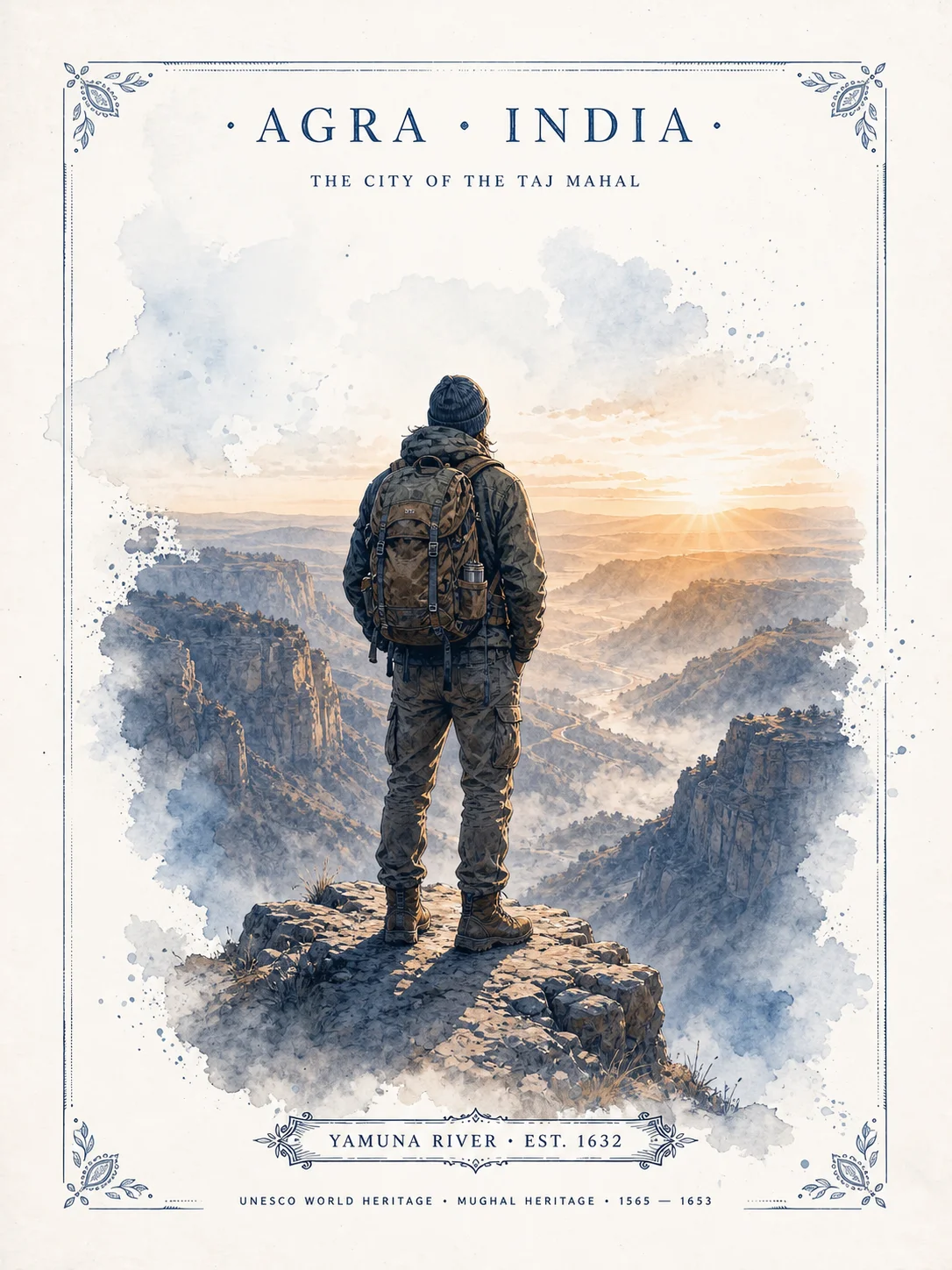
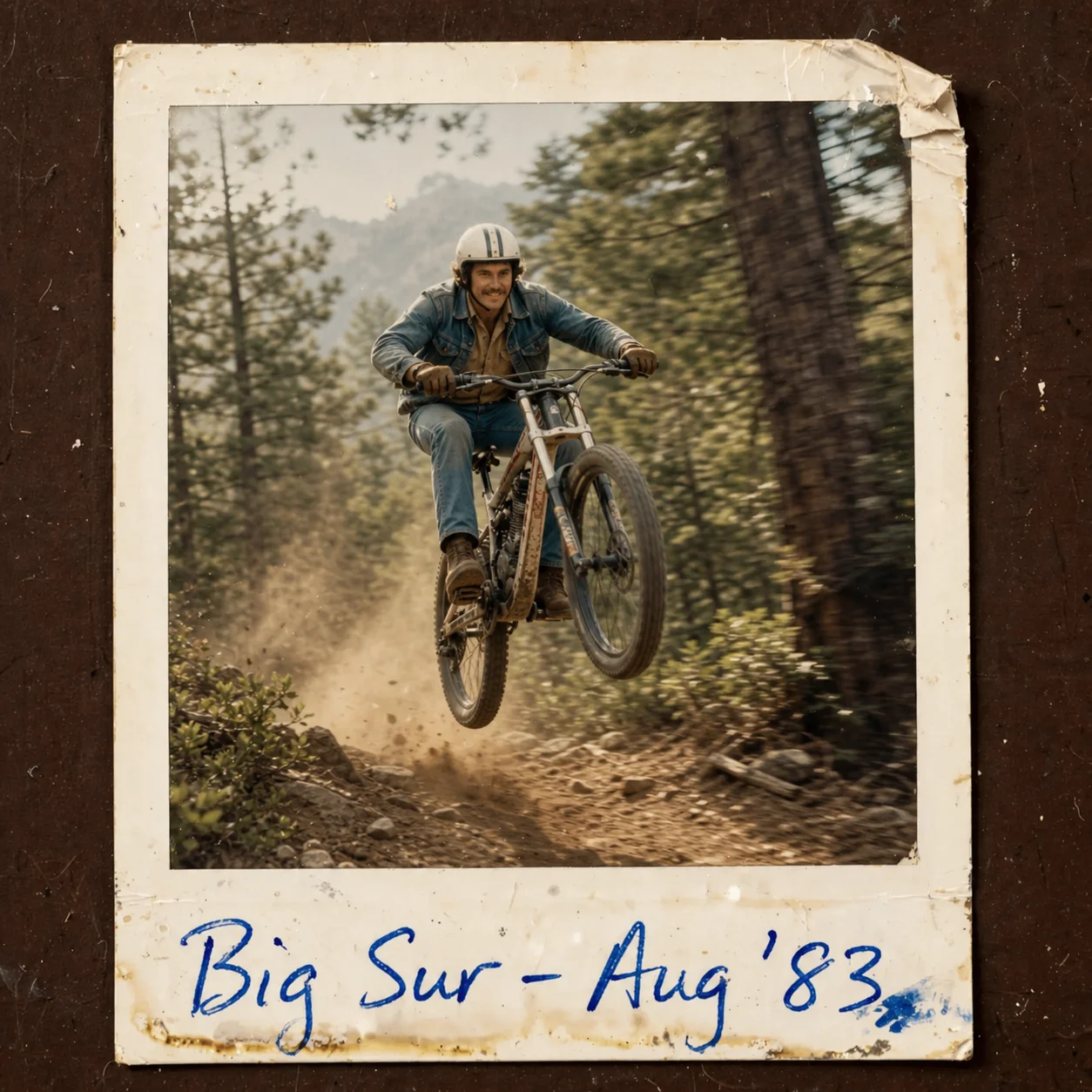
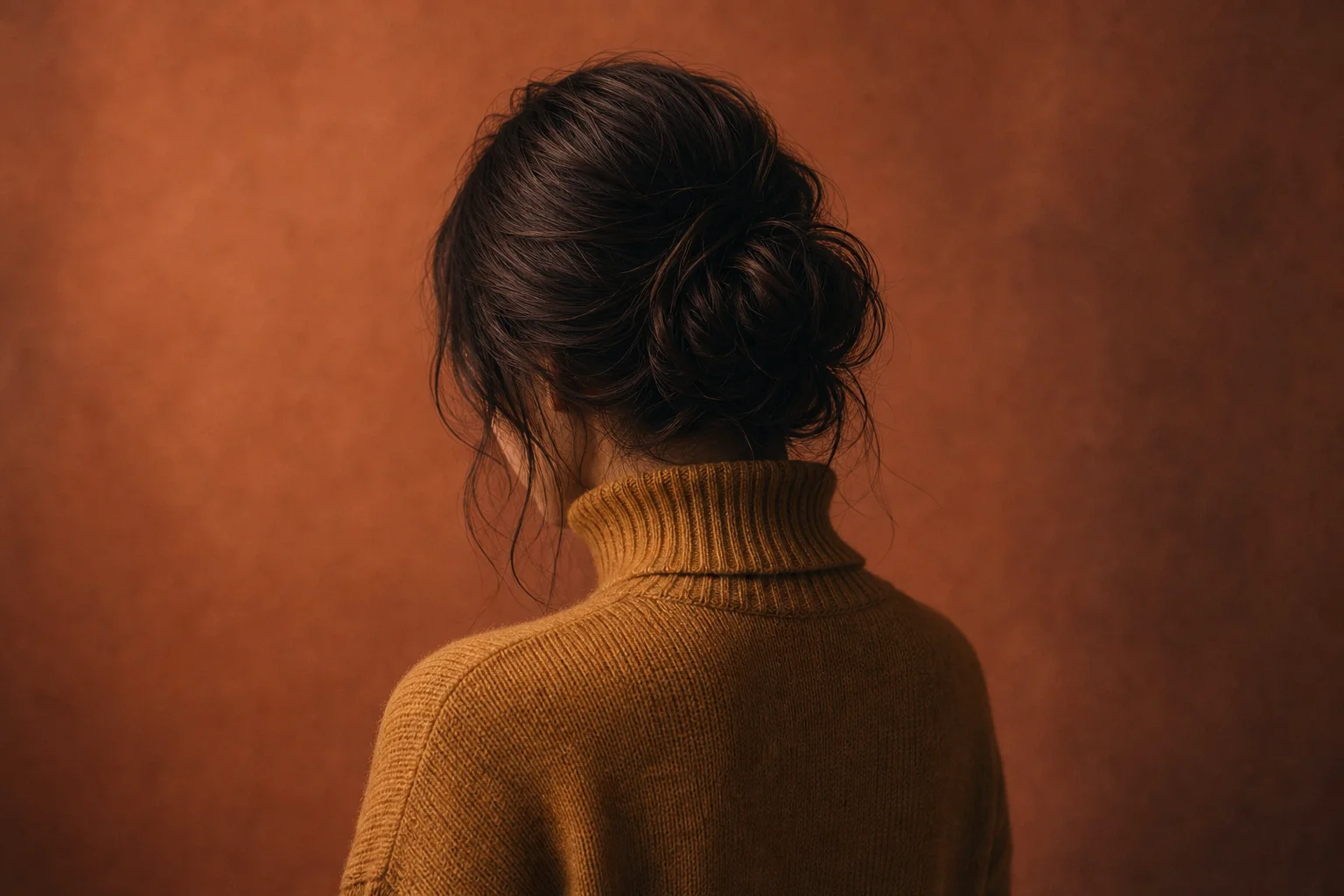
Previews made with Muse
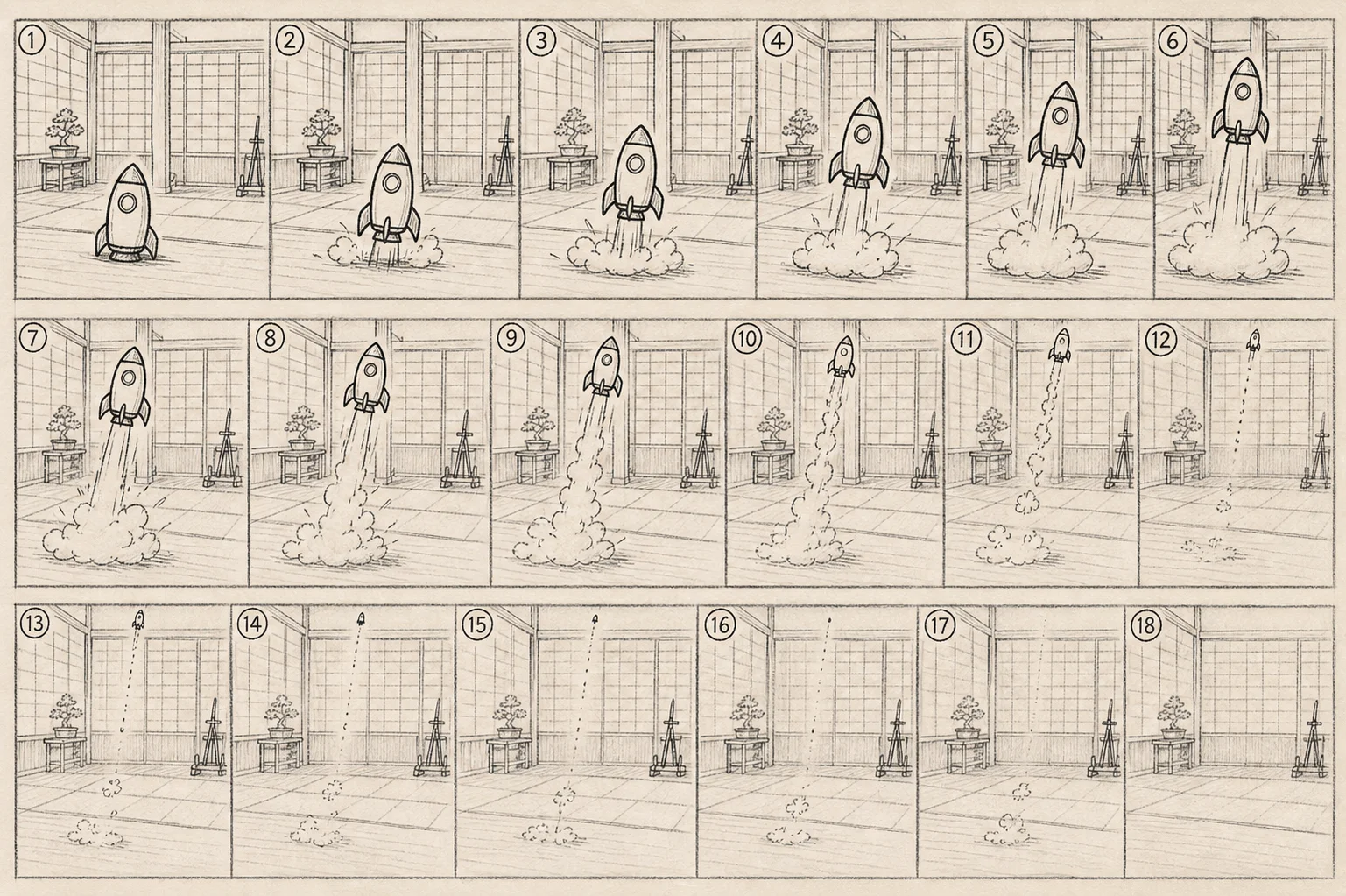
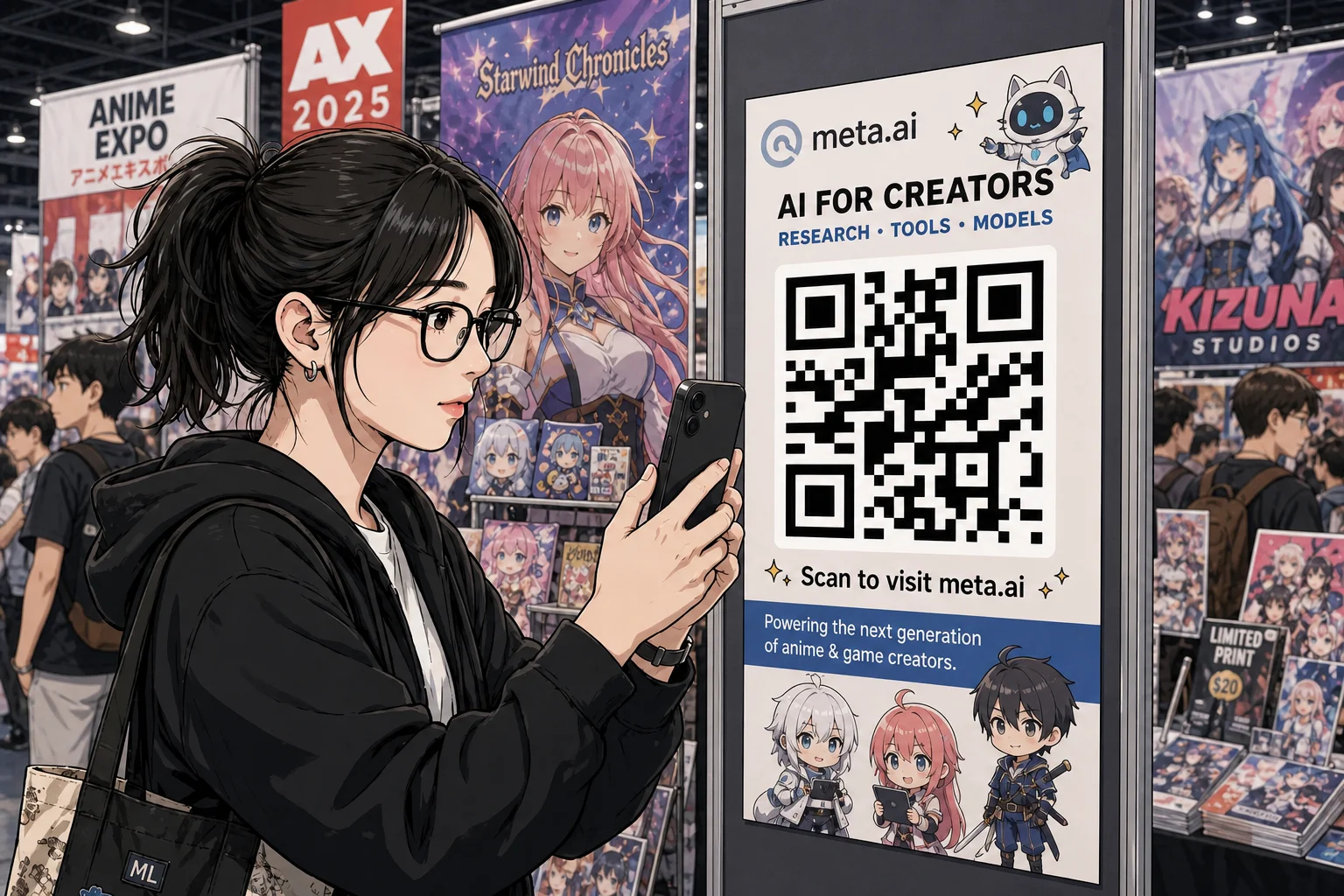
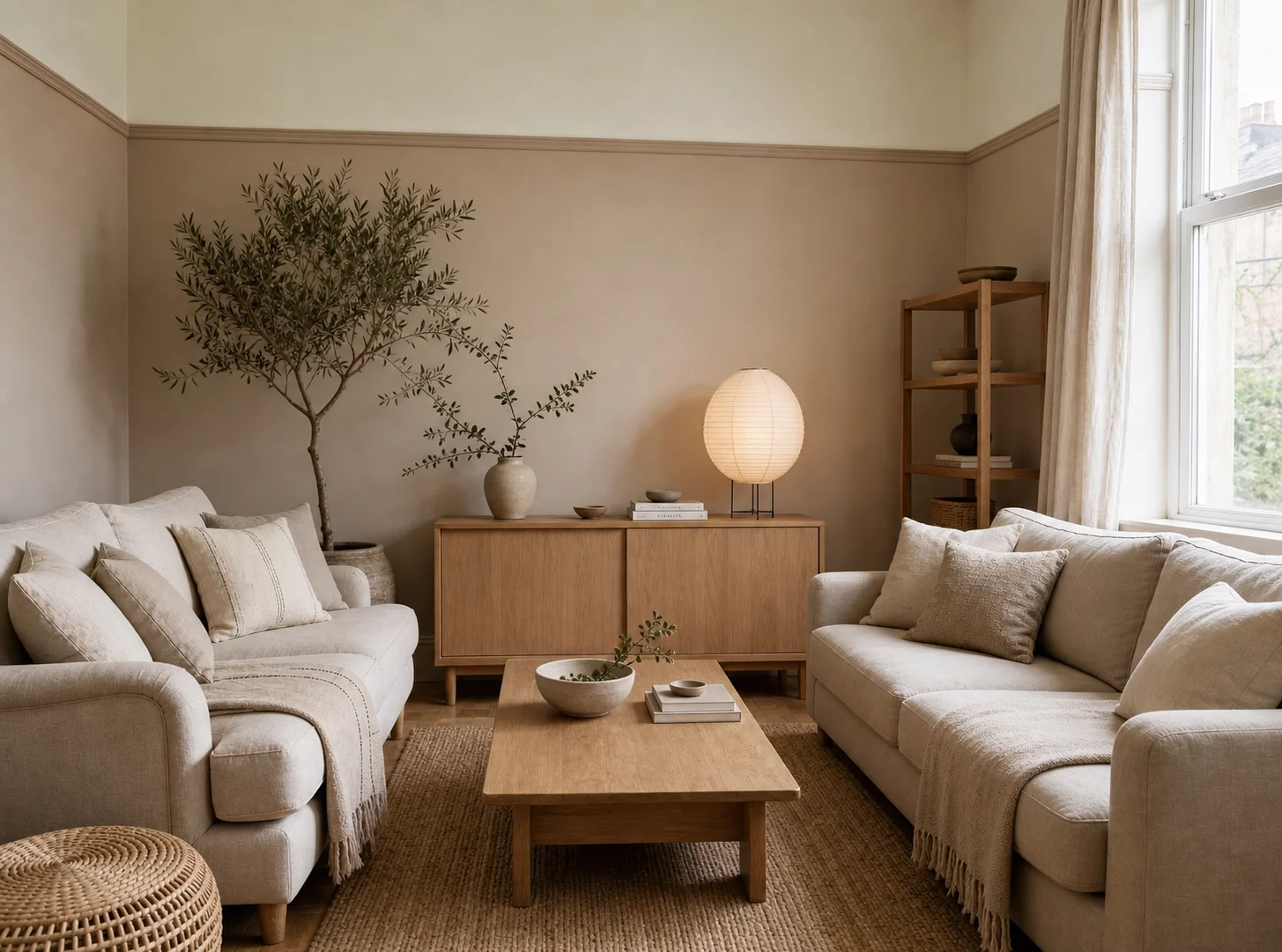
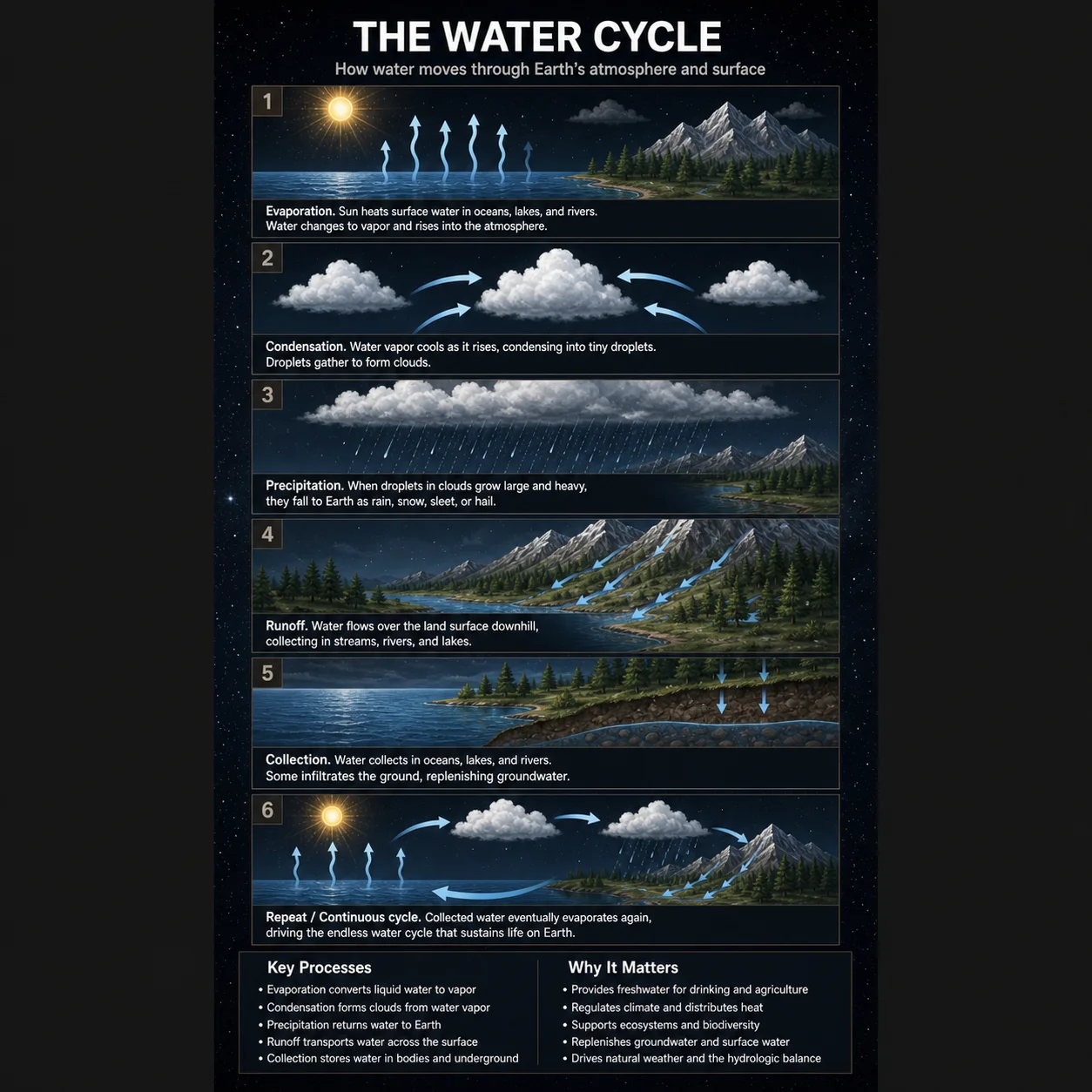
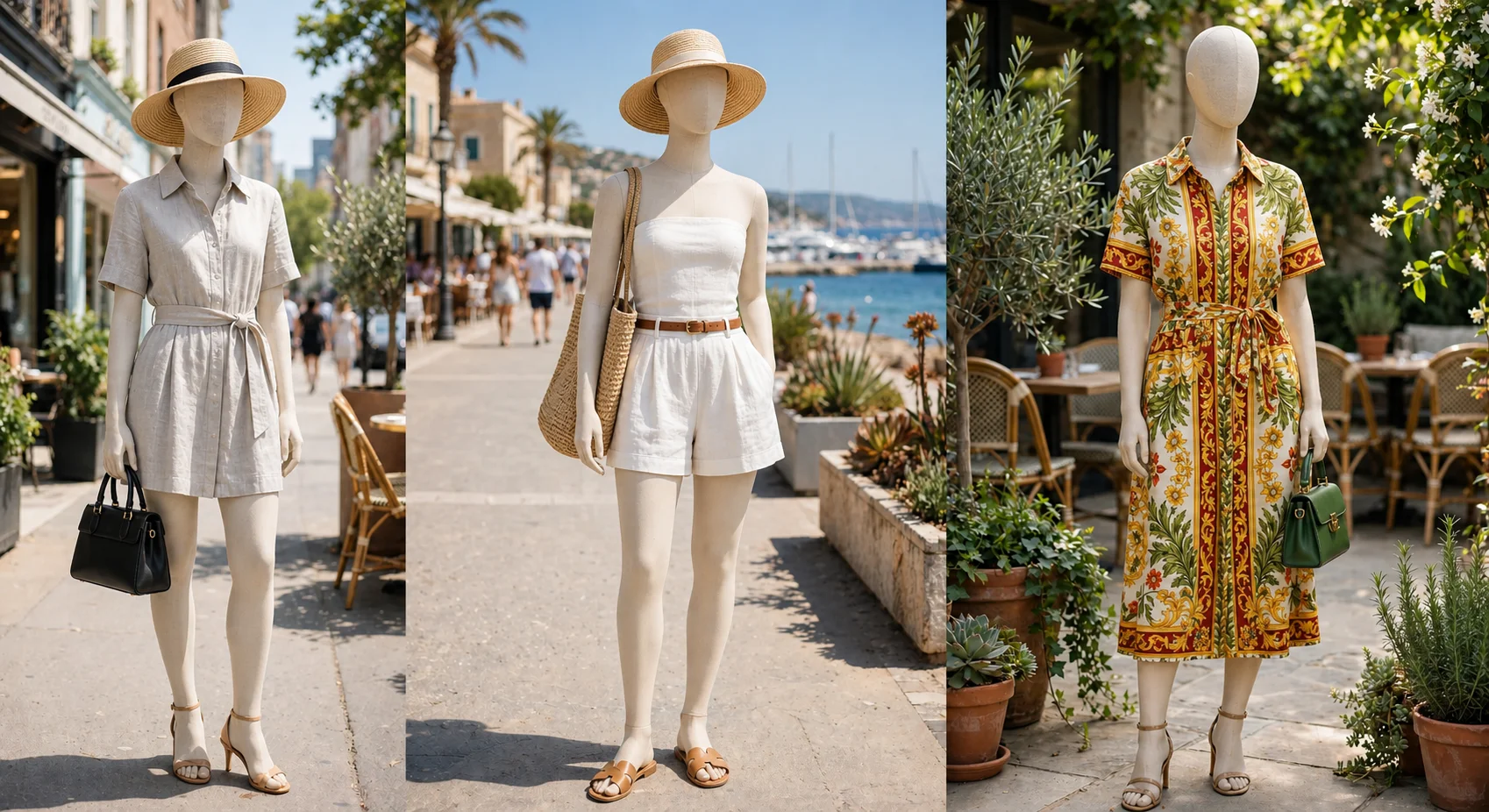
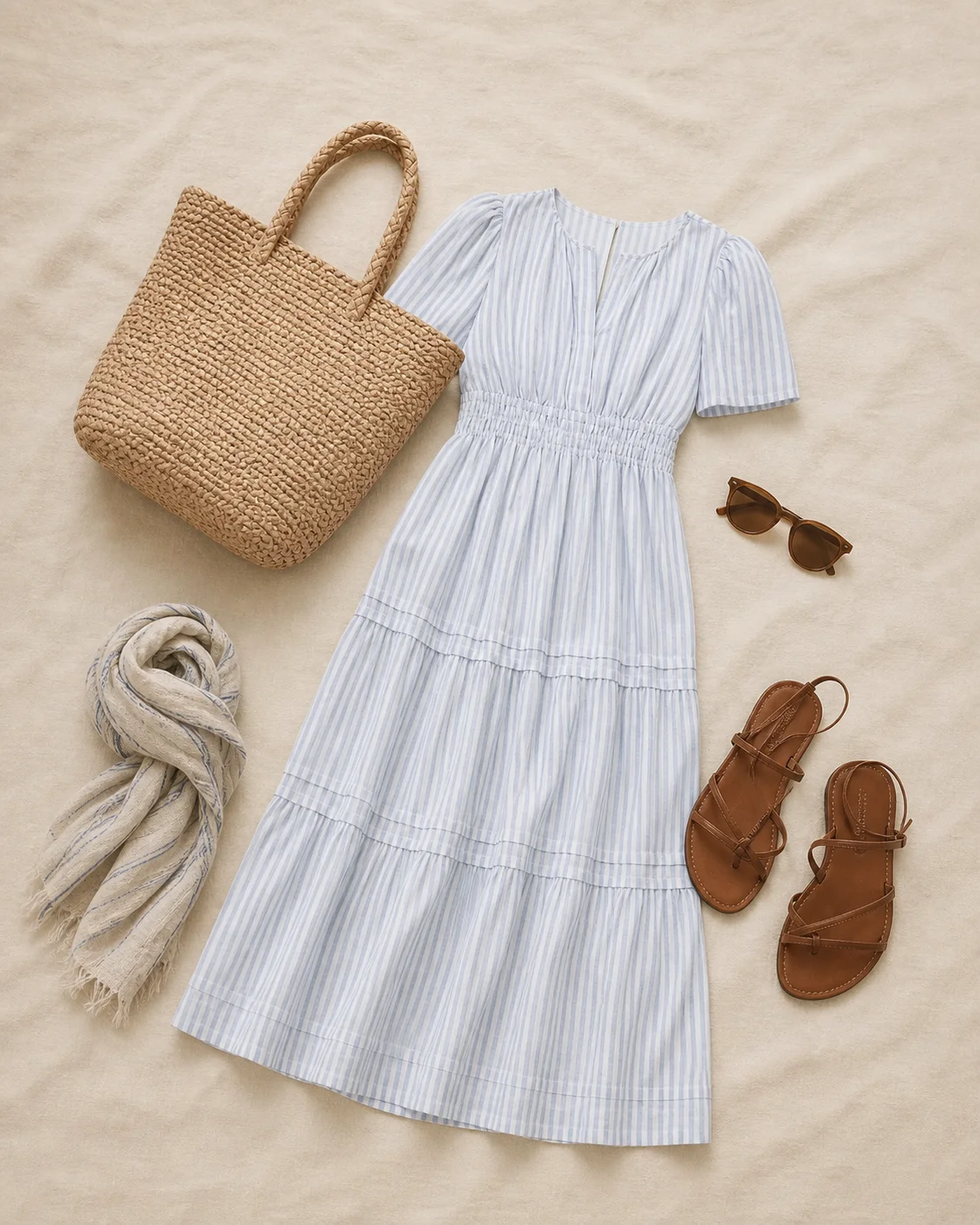
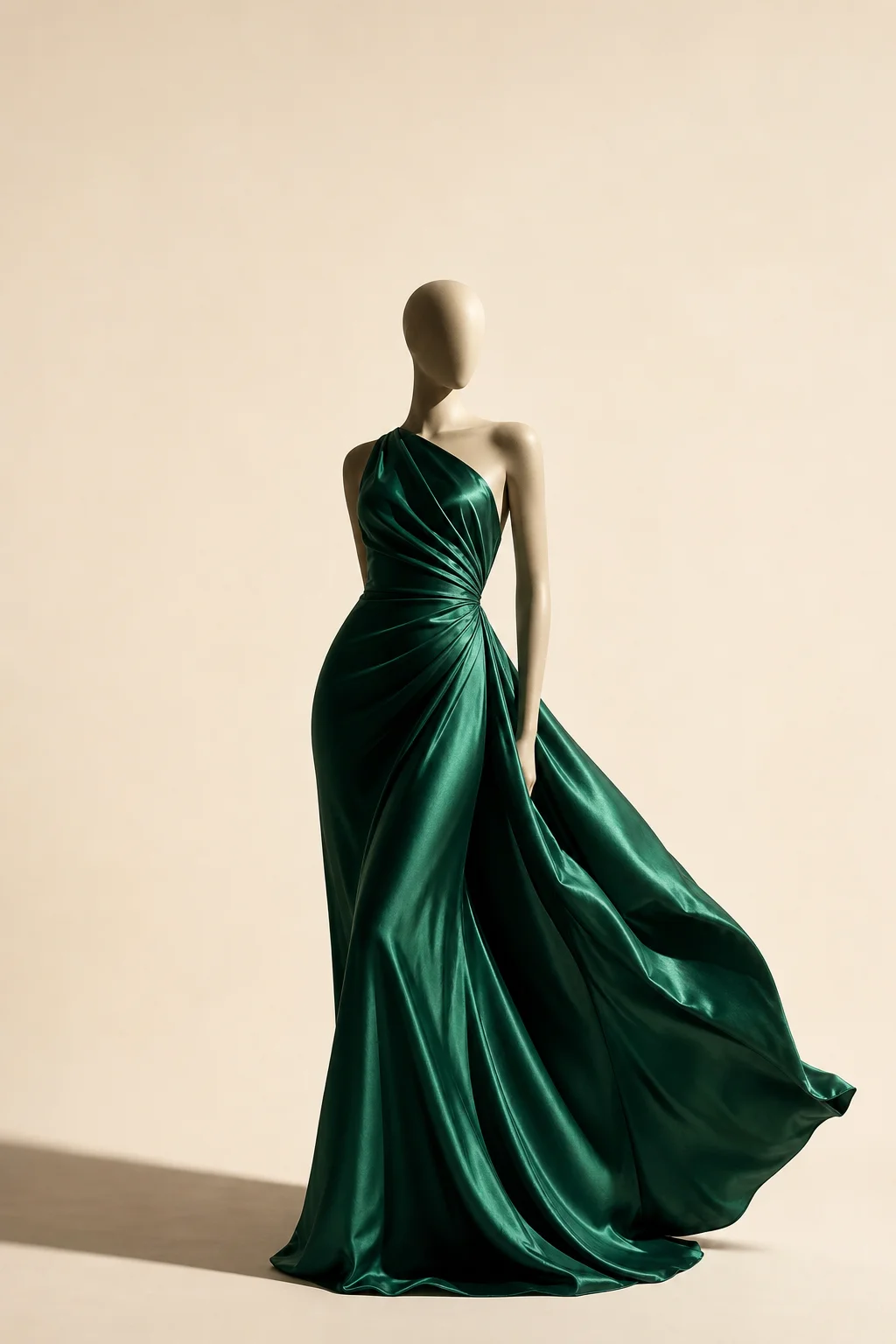
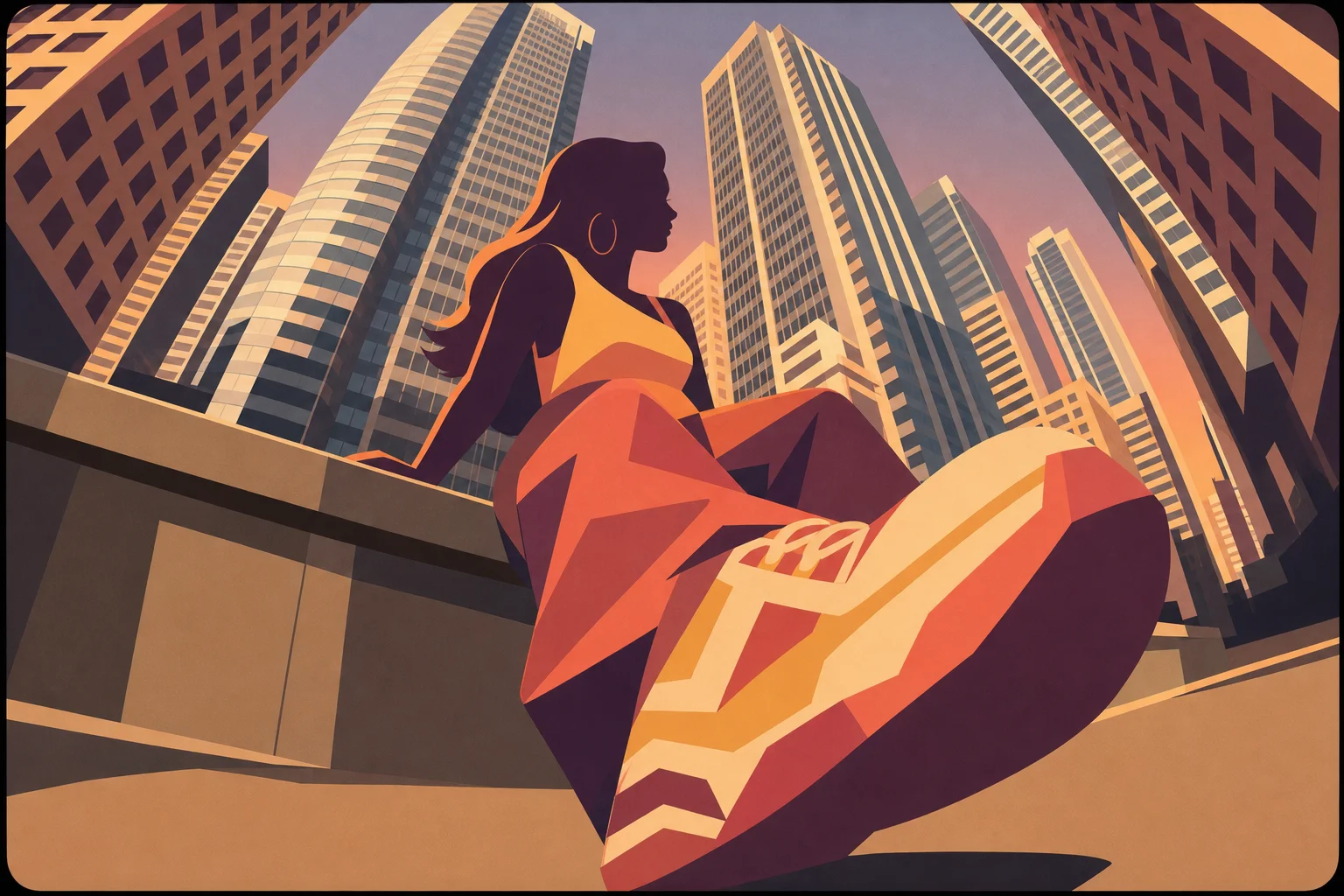
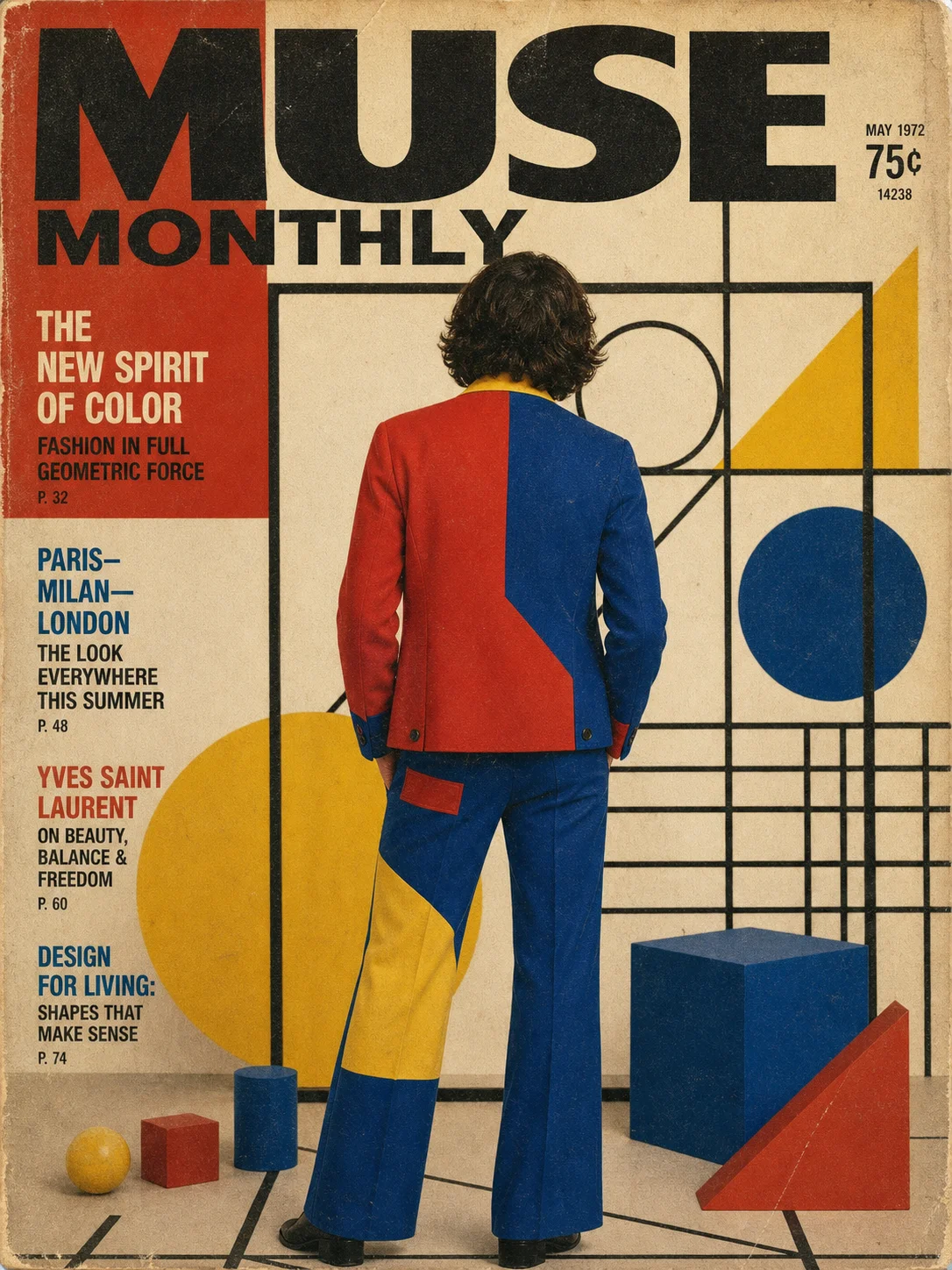
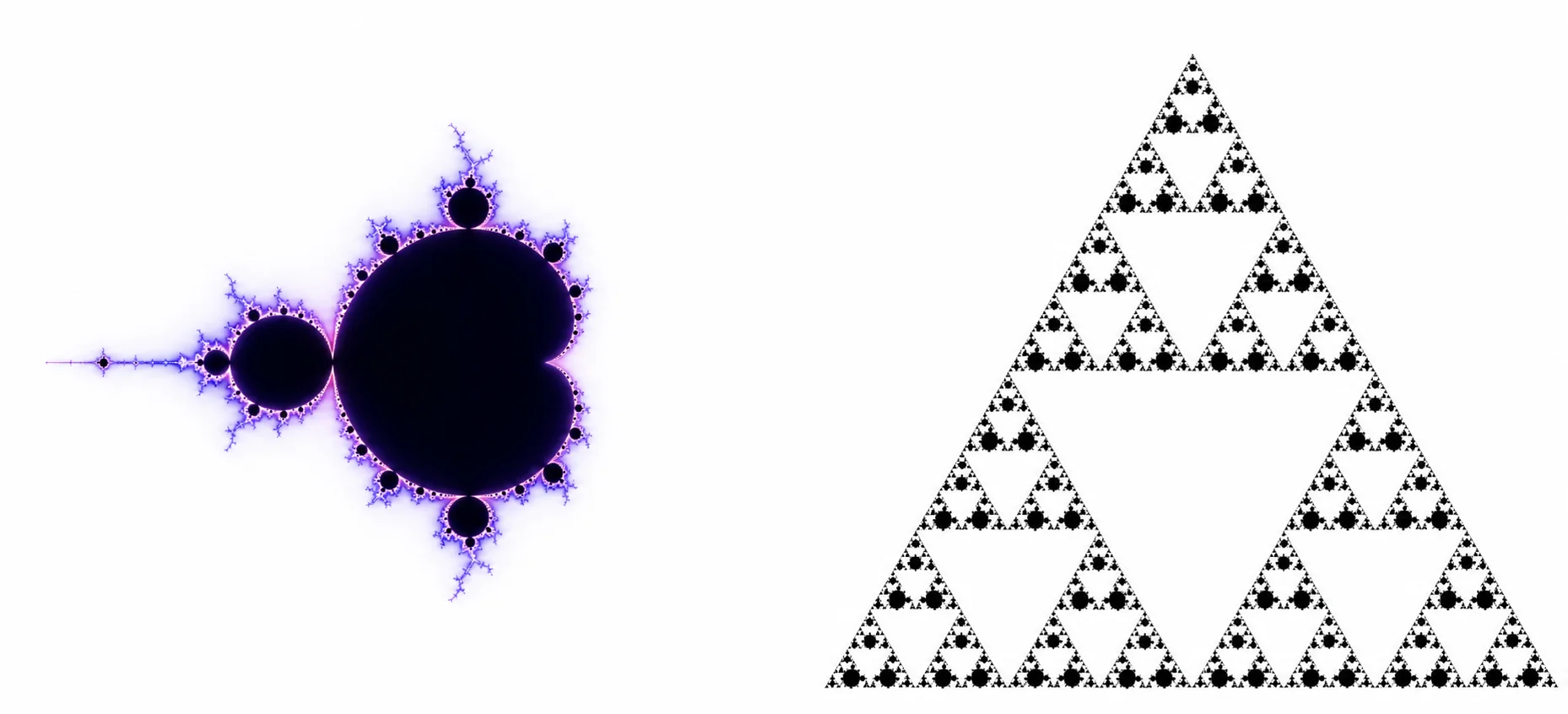
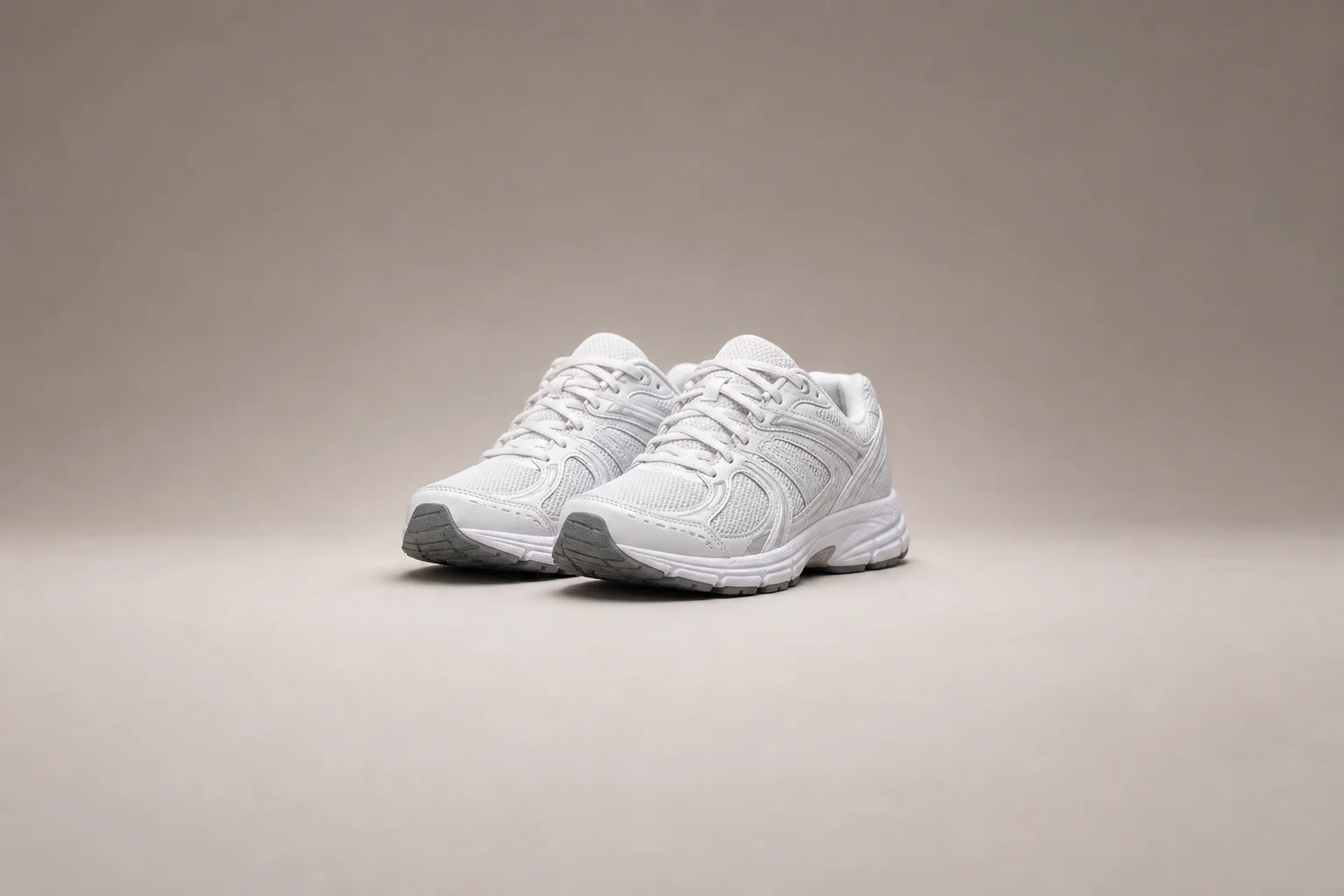
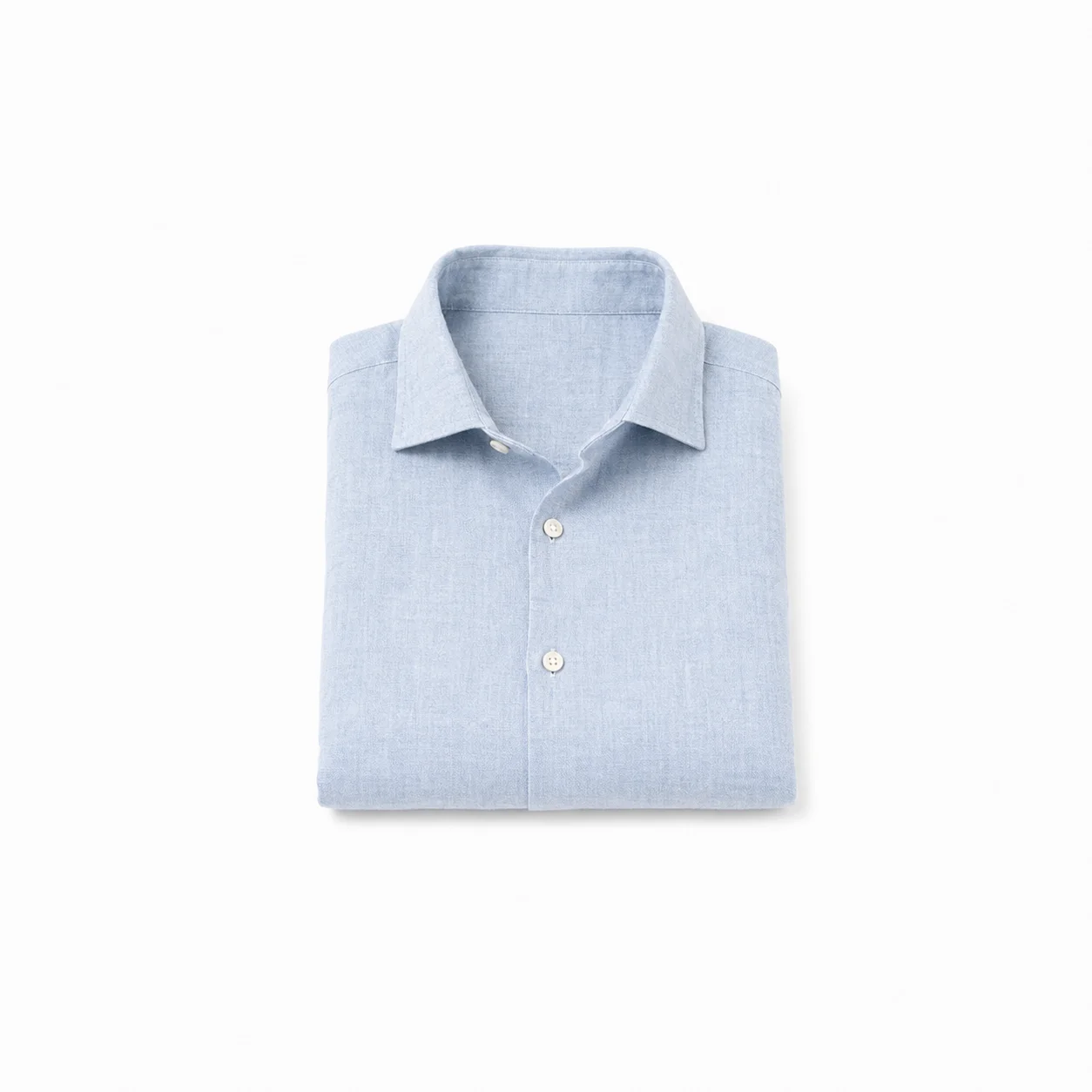
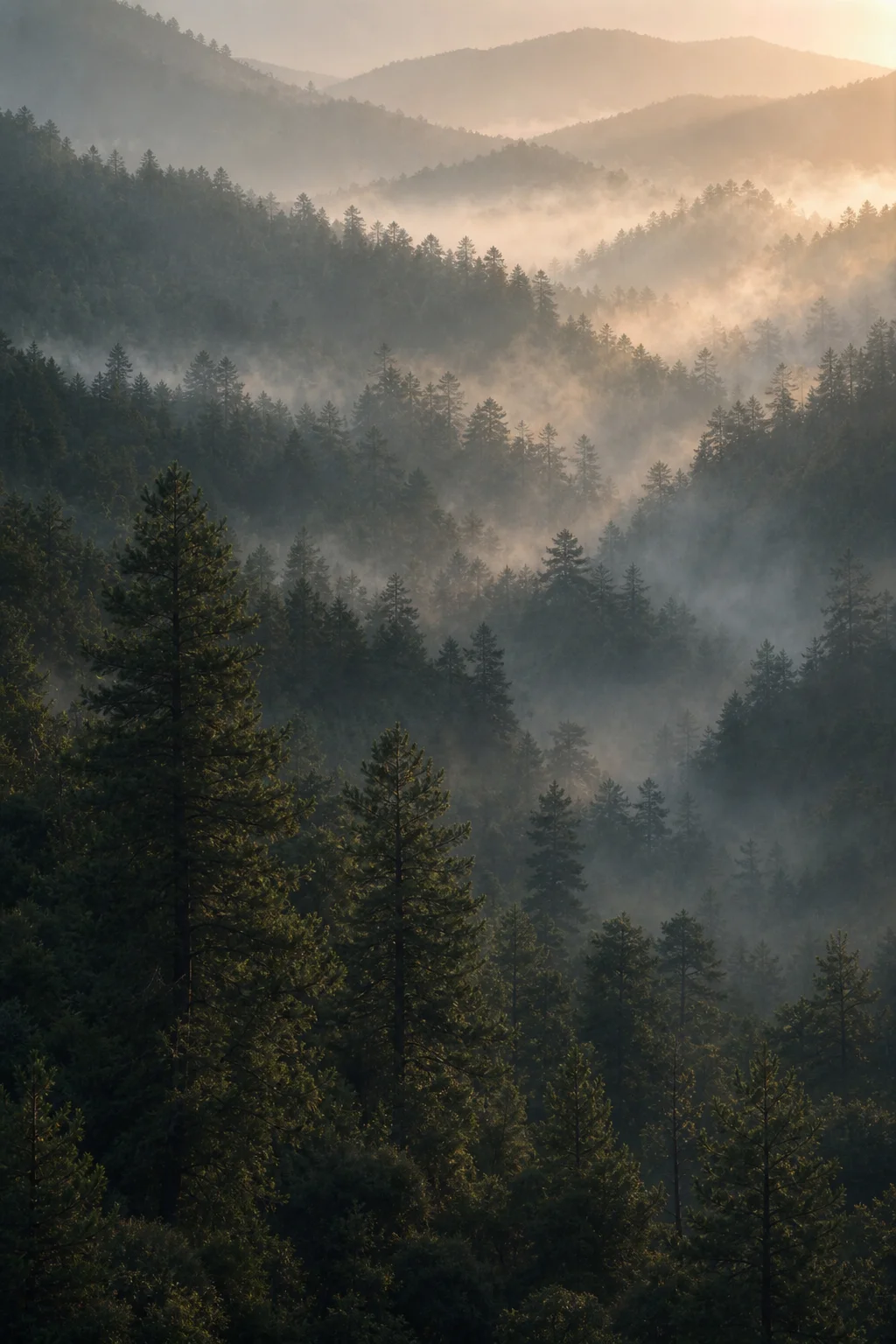
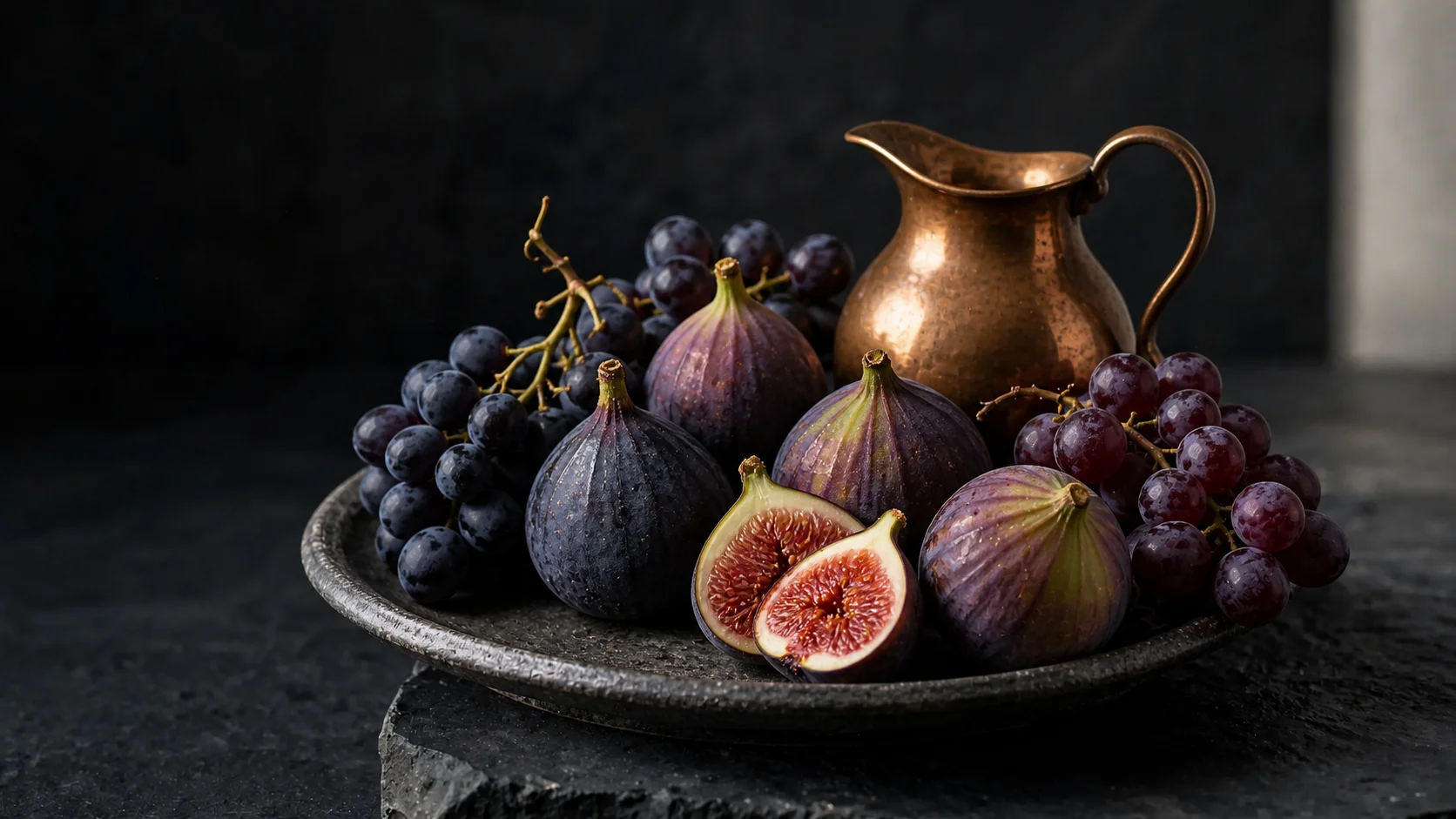
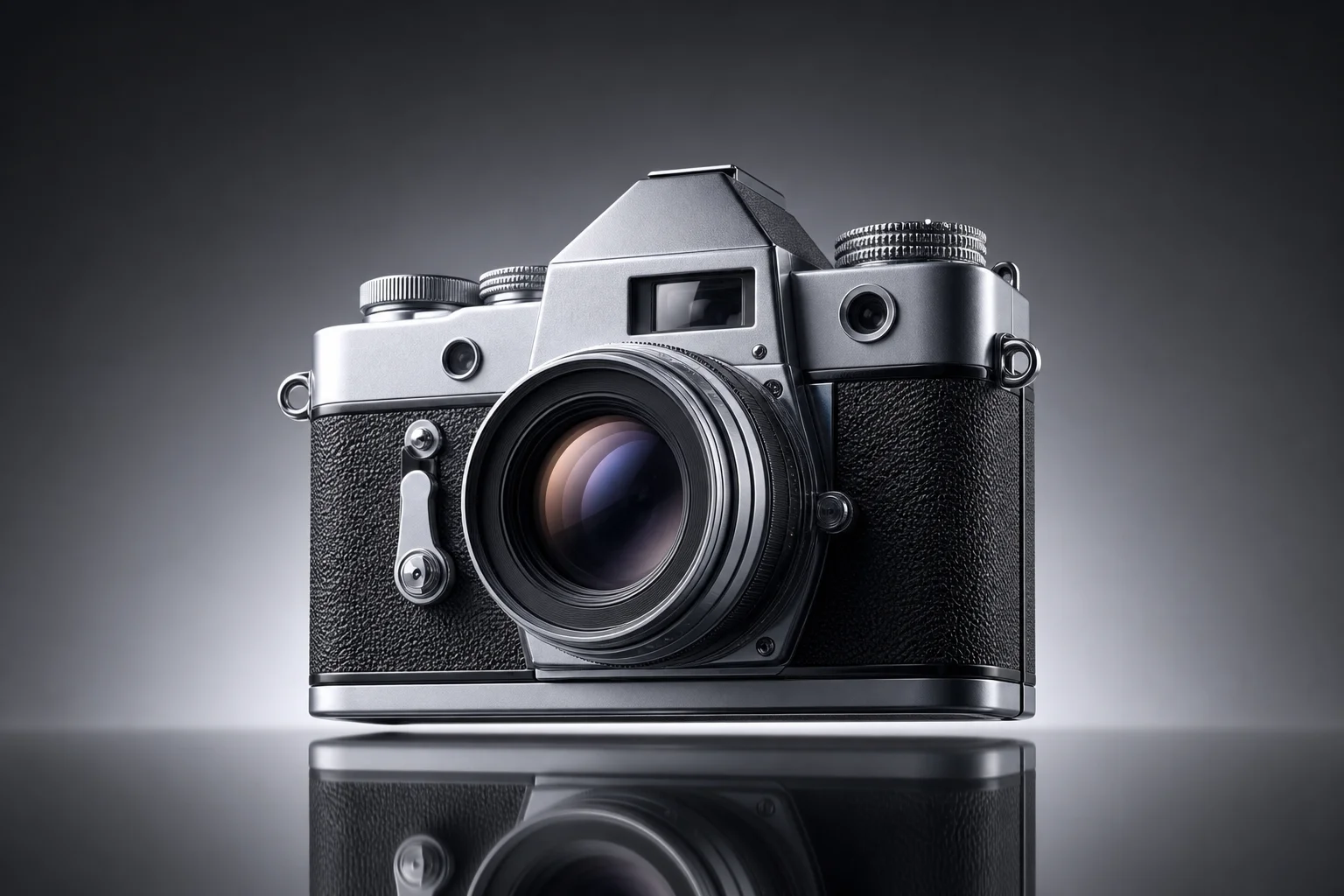
A sample of stills and short clips prompted with the same tool sitting at the top of this page.
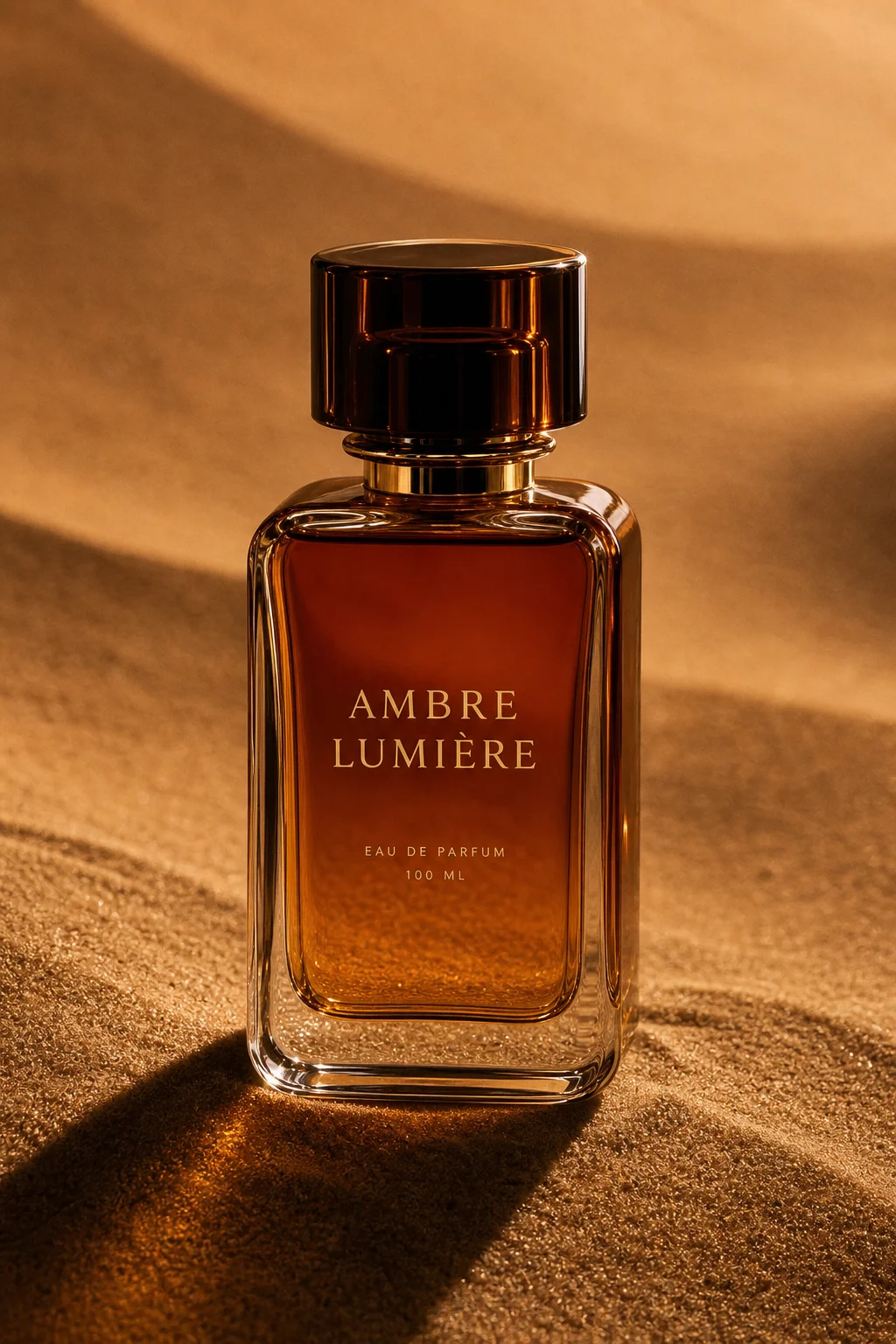
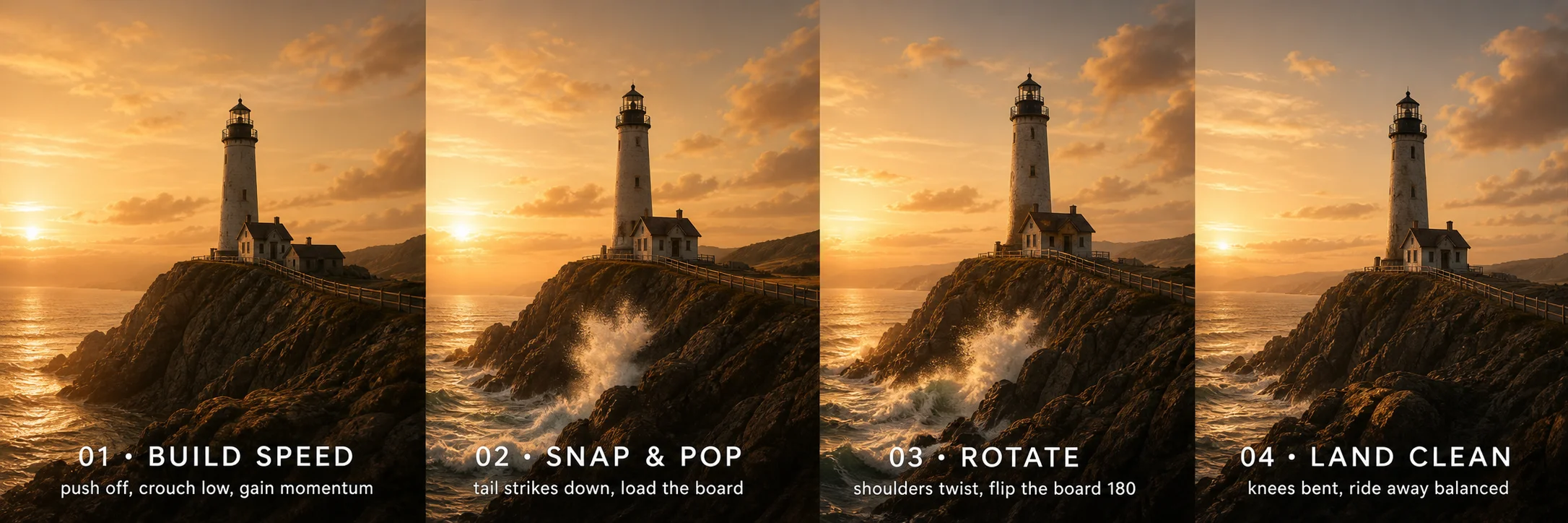
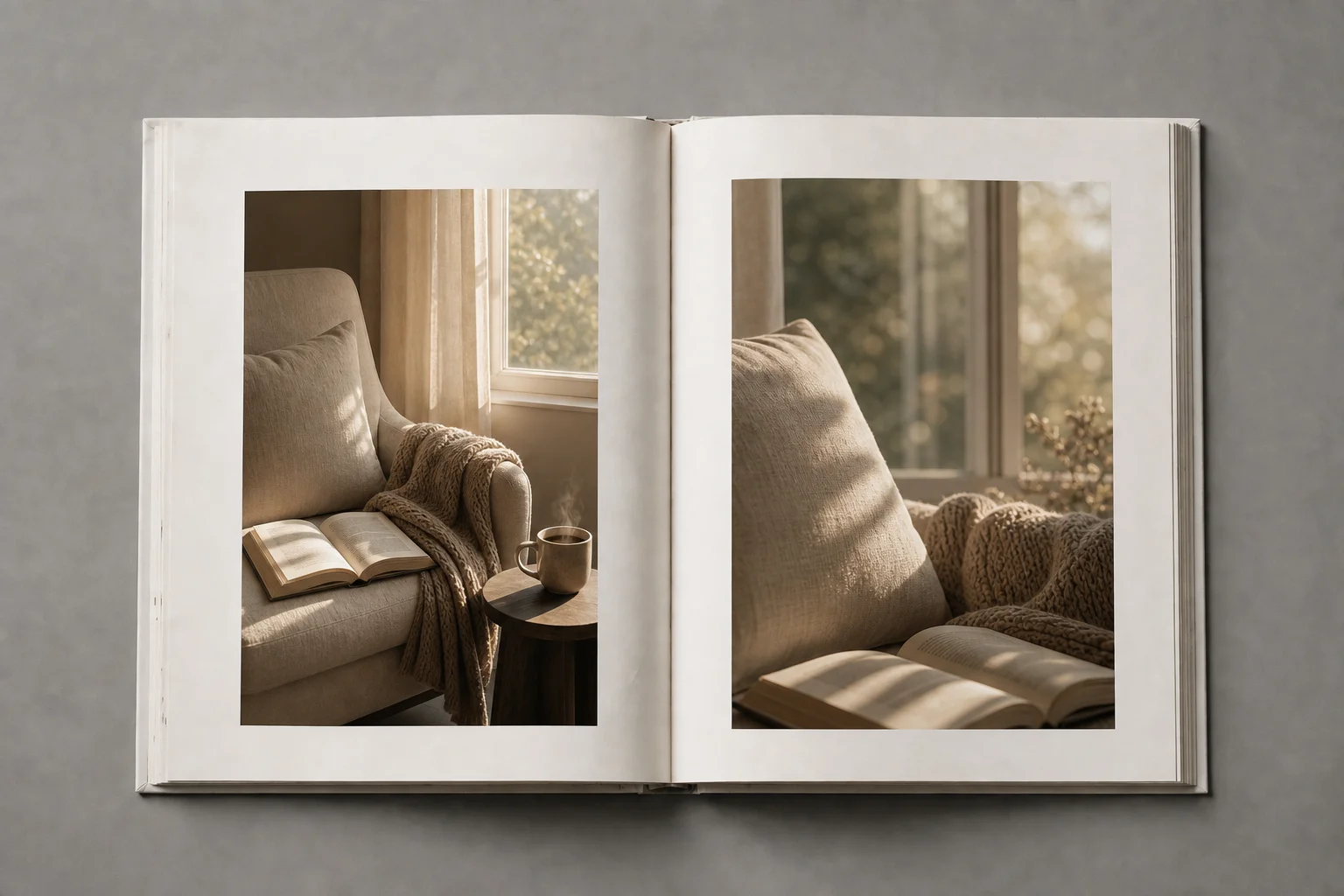
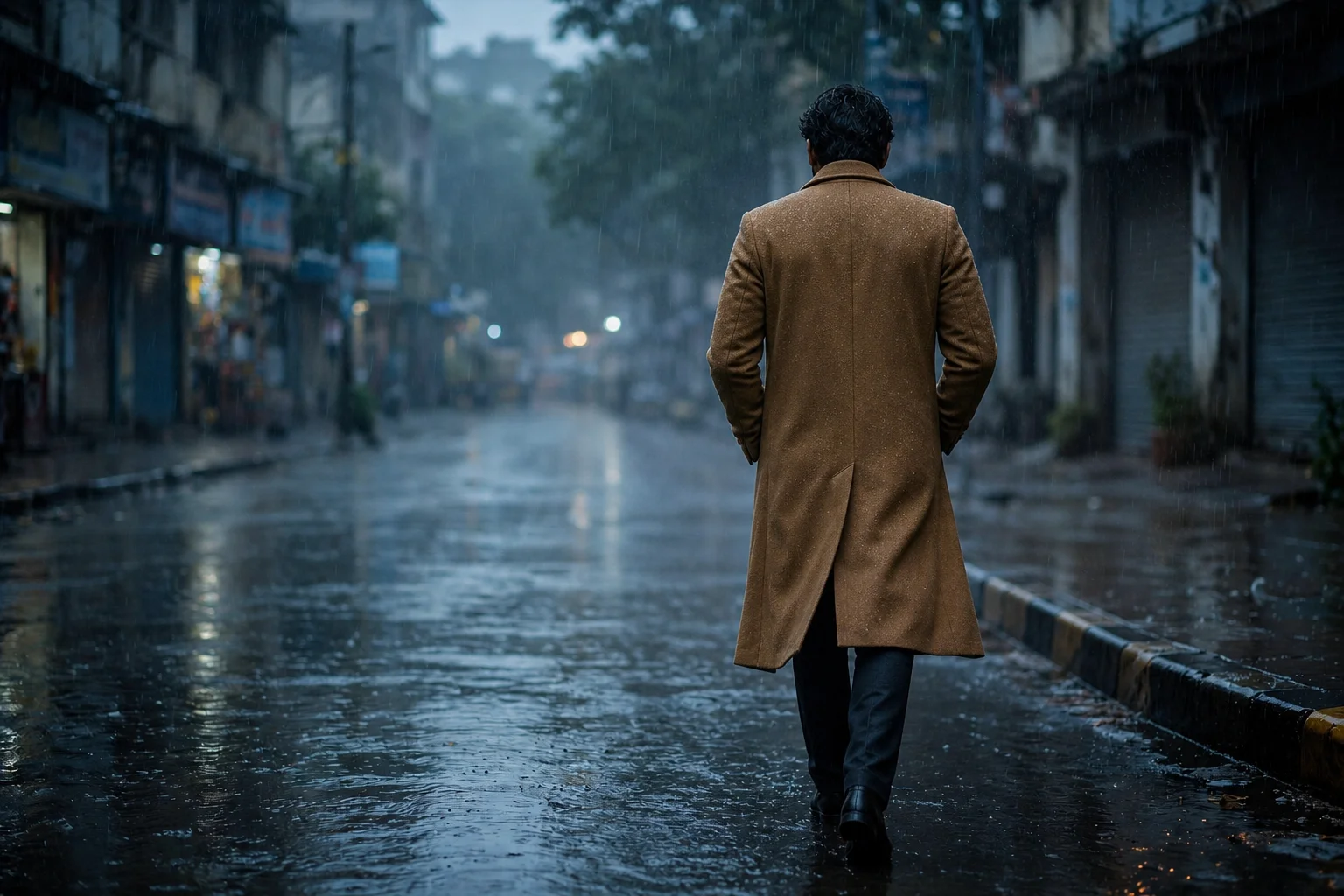
Where the Muse models land
Two ablations from the research team show why quality holds up, and blind human voting on the public Arena puts the family near the very top of the field.
Improvement with self-refinement
Improvement with search grounding
Arena Elo — top media models
| # | Model / org | Elo |
|---|---|---|
| 1 | Muse Image MSL | 1382 |
| 2 | Veo 3.1 Ultra Google | 1376 |
| 3 | Muse Video MSL | 1371 |
| 4 | Sora 2 Pro OpenAI | 1366 |
| 5 | Veo 3.1 Audio (1080p) Google | 1364 |
| 6 | Veo 3.1 Audio Google | 1364 |
| 7 | Veo 3.1 Fast Audio Google | 1362 |
| 8 | Veo 3.1 Fast Audio (1080p) Google | 1360 |
| 9 | Grok Imagine Video (720p) xAI | 1352 |
| 10 | Kling 2.6 Kuaishou | 1349 |
The image model holds No. 2 for text-to-image and the video model ranks No. 3 for text-to-video. Arena Elo rankings as of July 5, 2026. Source: Meta Superintelligence Labs.
What is Meta Muse Video
On July 7, 2026, Meta Superintelligence Labs previewed two media models: Muse Image, its most capable image generator to date, and a first look at Meta Muse Video. The second turns a text prompt into a short, coherent clip with sound, built on the same pretraining base as the image model and extending that fidelity into motion.
Three properties define it. First, native audio: rather than stitching a silent clip to a separate soundtrack, picture and sound are produced jointly, so ambient noise and spoken lines are anchored to the frames that cause them. Second, temporal consistency: a subject holds its identity, lighting, and material across a shot instead of melting between frames — the failure mode that made earlier systems feel unstable. Third, prompt adherence: the composition and described action in your brief survive into the render, which is what turns an AI video generator into a real production tool instead of a novelty.
Meta is candid about where the preview still falls short, and so are we. The two named gaps are audio–video synchronization, where lip movement and sound can drift on dialogue-heavy shots, and physically accurate fast motion, where quick action can smear or lose contact with the ground. Naming them is the point: a reel of only the best moments teaches you nothing about how to prompt the system well.
Under the hood, Muse works as an agent. It plans, calls tools, inspects its own drafts, and self-refines before committing — writing and running code to place a scannable QR into a scene, or searching the web to ground a prompt in real landmarks, brands, and facts. That agentic backbone is what the newer model inherits, and it is why deliberate reasoning at inference time lifts quality in an approximately log-linear way. To keep results verifiable, each frame carries Content Seal, an invisible watermark that survives cropping, compression, and screenshots; Meta plans to extend the same provenance to every clip the model makes.
These two systems share the Muse name for a reason. Muse Image and its video counterpart are one family — the same reasoning core, the same tool use, the same Content Seal safeguard — so a still you shape with Muse can become the opening frame of a video without leaving the workflow. When creators talk about Muse today, they increasingly mean this pairing: an image model that plans and searches, and a video model that carries the plan into motion. That shared lineage is why the Muse approach to prompting a video transfers cleanly from one tool to the other.
Today the image model is live inside the Meta AI app and on WhatsApp in a limited set of countries, with Facebook to follow. Meta Muse Video remains an early preview — coming soon to creators — which is exactly why this page exists: a source-grounded explainer paired with a generator you can use right now, before the model ships to everyone.
What a preview-first workflow unlocks
Social ad hooks
Prompt three motion hooks for a campaign in the time it took to storyboard one, then ship the winner.
Product animations
Turn a flat product still into a rotating, lit, in-context clip — no set, no shoot, no reshoot.
Storyboards & shorts
Draft a short scene by scene, keeping character and lighting consistent across every beat.
Thumbnail variants
Batch a grid of thumbnail options for one upload, then A/B the click-through winner.